





Google Maps Use
How to Use Google Maps in Japan: A First-Time Visitor’s Guide
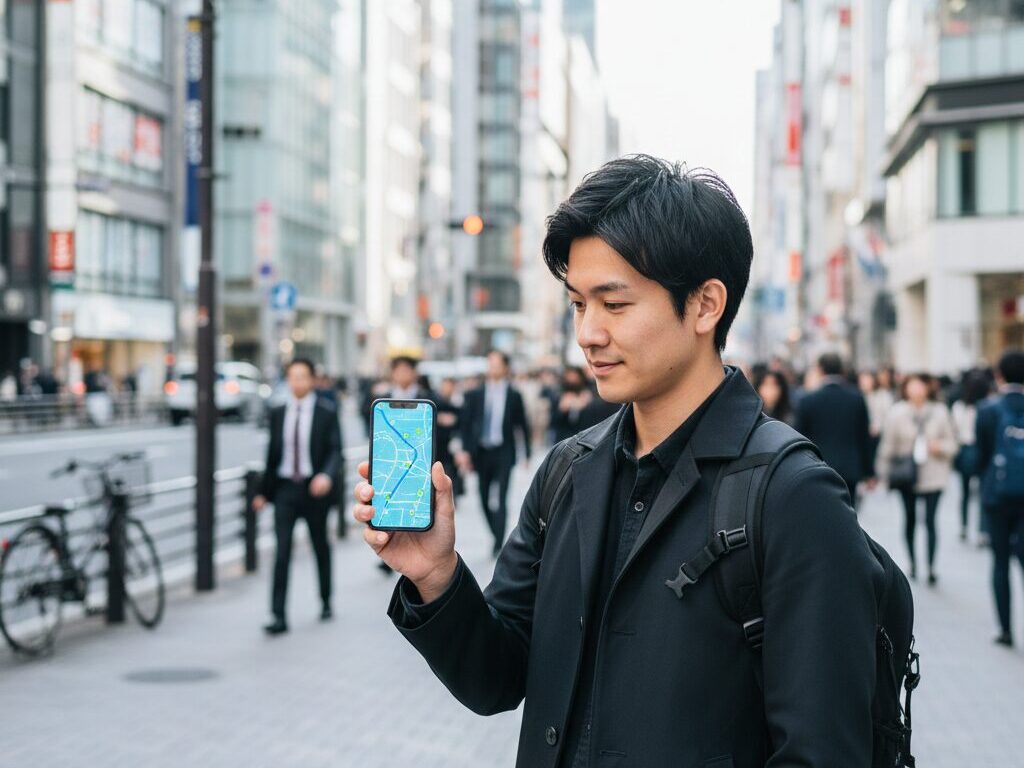
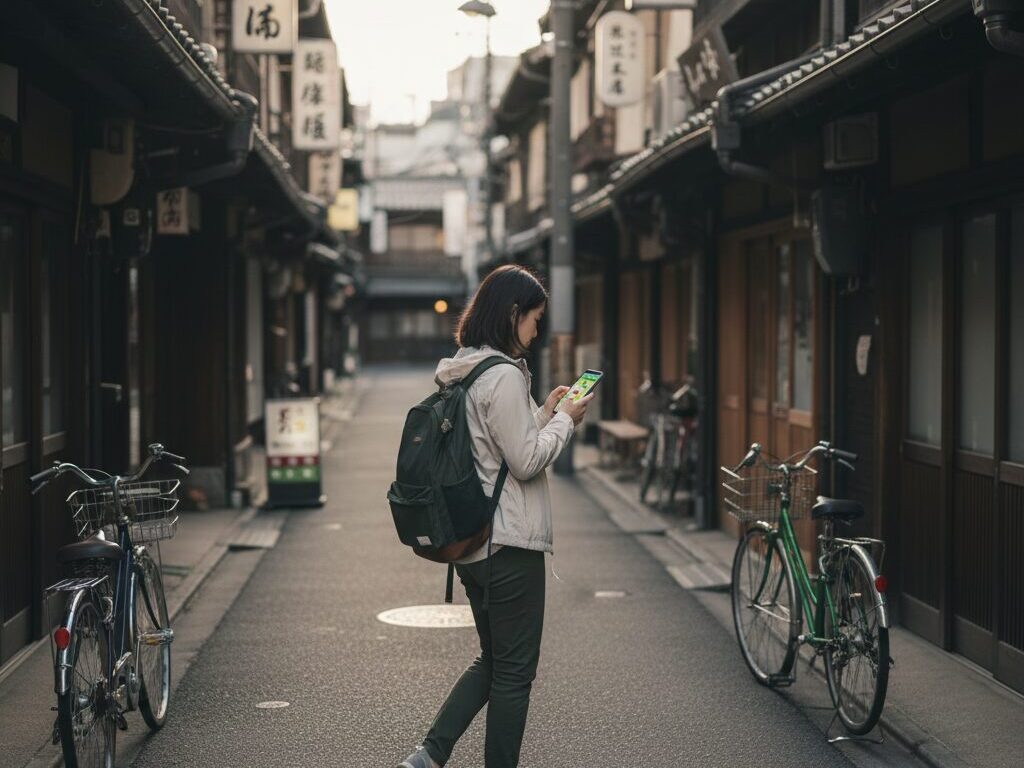
Japan is one of the easiest countries in the world to navigate if you know how to use Google Maps properly. From crowded Tokyo subway lines to quiet countryside bus stops with no English signs, Google Maps can be your personal navigator, timetable, and even restaurant finder—all in your own language.
This guide explains how to use Google Maps in Japan step by step, with practical tips for first-time visitors who want stress-free travel by train, subway, bus, taxi, or on foot.
Why Google Maps Works So Well in Japan
Japan’s public transport is famous for being fast and punctual, but its complexity can be intimidating. Multiple private railway companies, color-coded subway systems, and long station names can overwhelm any newcomer. The good news: Google Maps is tightly integrated with Japanese train and bus data, so you can plan almost every leg of your trip with a single app.
Key advantages of using Google Maps in Japan include:
- Accurate train and subway timetables: Most lines nationwide, including shinkansen (bullet trains).
- Platform information: Often shows which platform your train departs from, especially in big cities.
- Fare estimates: Helpful when budgeting for trains, buses, and taxis.
- Walking navigation: Crucial in dense areas where buildings are stacked vertically and streets rarely have names.
- Restaurant and sight recommendations: Ratings, photos, and opening hours help you choose where to eat and what to see.
While some hyper-local buses or rural routes may not appear, Google Maps is more than enough for most travelers visiting major cities like Tokyo, Kyoto, Osaka, Hiroshima, Sapporo, and Fukuoka.
Before You Go: Essential Setup
1. Make Sure You Have Reliable Internet
To use Google Maps smoothly in Japan, you need a stable internet connection. Options include:
- eSIM or SIM card: Buy an eSIM in advance or a physical SIM on arrival. Data-only plans are usually sufficient.
- Pocket Wi-Fi: Portable Wi-Fi routers can be picked up at airports and returned before departure.
- Hotel Wi-Fi: Fine for planning routes in the evening, but less practical while moving around.
Public Wi-Fi exists in stations and convenience stores, but it is not reliable enough to depend on for navigation all day.
2. Download Offline Maps (Just in Case)
While live internet is best, it is wise to download offline maps for the main regions you will visit:
- Open Google Maps and search for a city (e.g., “Tokyo”).
- Tap the city name and choose Download or Download offline map.
- Select the area around the city and confirm.
Offline maps allow you to see streets and use GPS for your location even without data. Public transport timetables won’t update offline, but it is still helpful when you’re lost or inside complex station areas.
Using Google Maps for Trains and Subways
Trains and subways are the backbone of travel in Japan, especially in cities. Google Maps can show you the fastest routes, transfers, and even which cars are less crowded on some lines.
Step-by-Step: Planning a Train Route
- Open Google Maps and tap the Directions icon.
- Enter your starting point (or use your current location) and destination. You can type English names like “Shinjuku Station” or “Fushimi Inari Shrine.”
- Select the train icon (public transit).
- Google Maps will show several route options with departure times, number of transfers, total travel time, and approximate fare.
- Tap a route to see details, such as platform number, train line name, stops, and transfer information.
Most station and line names appear in both English and Japanese. On signs in the station, the English lines and station names will match what you see in Google Maps, which is extremely reassuring when you are in an unfamiliar place.
Understanding Route Options
When you search for a route, you’ll often see different suggestions:
- Fastest route: Shortest travel time, sometimes with more transfers.
- Fewer transfers: Takes slightly longer but involves staying on the same line longer.
- Cheapest route: Uses slower local services instead of express trains.
For first-time visitors, routes with fewer transfers are usually less stressful, especially in busy stations like Shinjuku, Shibuya, or Umeda where changing lines can involve a lot of walking through underground passages.
Platform and Car Information
In major cities, Google Maps often shows:
- Platform numbers: You will see something like “Platform 3” beside each leg of the journey.
- Train type: e.g., Local, Rapid, Express, Limited Express. Make sure the type on the train matches the type on your route.
- Car suggestions: On some lines, you might see which car to board for easier transfers or exits.
Once you know your platform, follow the signs in the station. Most large stations display English, Japanese, Chinese, and Korean on the same signboards.
Using IC Cards with Google Maps Routes
Google Maps shows approximate fares in yen (¥) for train and subway journeys. To pay quickly and easily, use an IC card such as Suica, PASMO, ICOCA, or others. These cards let you tap in and out at automatic gates, and the system automatically calculates the correct fare.
While Google Maps does not link directly to your IC card, it helps you estimate how much money you should keep on the card. As a rule of thumb, keep at least ¥2,000–¥3,000 loaded when traveling in big cities.
Walking Navigation: Finding Your Way in Japanese Cities
Outside the station, Google Maps walking directions become your best friend. Japanese addresses can be confusing because streets often have no names, and buildings are numbered in unusual ways. Locals frequently navigate by landmarks and stations instead of street addresses, so using Google Maps is often easier than asking for directions.
Tips for Walking with Google Maps
- Use the compass: Rotate the map until the blue cone points in the direction you’re facing; this helps you start in the correct direction.
- Zoom in near your destination: Many buildings house multiple restaurants, shops, and clinics in different floors. Zoom in to confirm the exact location and floor number if available.
- Look up, not just around: In dense areas like Shinjuku or Osaka’s Namba, entrances might be on the second floor or underground. Street-level signs can be small.
- Use Street View: If you’re unsure you’ve arrived, tap and hold on the map, then open Street View to compare building facades and signs.
Using Google Maps for Buses
Trains cover most major routes, but buses are useful in cities like Kyoto and in rural areas. Google Maps shows many bus routes and timetables, especially in urban areas.
How to Check Bus Routes
- Enter your departure and destination, as usual, then choose the public transit icon.
- Look for routes marked with a bus icon or mixed bus–train routes.
- Tap a route to see the bus stop name, the bus number, and scheduled times.
When you reach the stop, match the bus number and destination direction with what you see on the front of the bus. In tourist areas, announcements are often made in English, but do not rely on that everywhere.
Note that in some rural areas, bus data may be incomplete or missing. If Google Maps shows no buses where you expect some, check local tourist information centers or station information boards.
Driving and Taxis with Google Maps
Using Google Maps for Taxis
In big cities, you can simply show your destination on Google Maps to the taxi driver. Many drivers do not speak much English, but they are familiar with reading addresses and locations on the app. You can:
- Show the driver your phone map with the destination pinned.
- Use the share function to display the Japanese name of a hotel or restaurant.
Google Maps also shows estimated taxi fares for some routes in large cities, giving you a rough idea of the cost before you step in.
Using Google Maps for Rental Cars
If you are driving in Japan, Google Maps works similarly to other countries. However, consider these points:
- International Driving Permit (IDP): Required for most visitors—arrange it before flying to Japan.
- Driving side: Japan drives on the left. Take extra care when turning or changing lanes.
- ETC toll system: Many rental cars offer ETC cards for cashless tolls; Google Maps often shows routes with toll costs.
Navigation is usually accurate, but older mountain roads or very remote areas may have patchy coverage. Offline maps are especially helpful if you plan to drive in the countryside.
Finding Food, Cafés, and Attractions
Beyond pure navigation, Google Maps is an excellent way to discover places to eat, drink, and explore. Japan’s restaurant scene is rich and varied, and many smaller shops do not have English websites. Google Maps helps bridge that gap.
Searching for Restaurants and Cafés
- Zoom into the neighborhood around your hotel or station.
- Type in keywords like “ramen,” “sushi,” “café,” or “izakaya.”
- Filter by rating, distance, or opening hours.
Things to look for:
- User photos: Show portion sizes and atmosphere (casual, quiet, family-friendly).
- Peak times: Popular spots might have long queues around lunch and dinner.
- Cash vs card: Some small restaurants still prefer cash; check photos or reviews for hints.
Finding Tourist Attractions
You can search broad terms such as “things to do near me” or specific sights like “Senso-ji Temple” or “Arashiyama Bamboo Grove.” Once you tap an attraction, you’ll see:
- Opening hours
- Busy times during the day
- Suggested visiting length
- User photos and reviews
Reviews often include tips such as the best time of day to visit, quiet photo spots, or where to find seasonal festivals nearby.
Dealing with Japanese Names and Language
You can type in most place names in English and still find them in Japan. Major stations, tourist attractions, and chain stores appear in English, but smaller or local spots may only appear in Japanese.
Tips for Handling Japanese Names
- Copy and paste: If you see a Japanese address on a website, copy it into Google Maps. The app can usually interpret it.
- Use romaji: Typing “Asakusa” or “Ueno” with Latin letters works; you do not need Japanese characters.
- Save favorites: Star important locations, like your hotel, train stations, and meeting points. They will appear under your “Saved” list.
Saving key places before you head out for the day means you can quickly navigate back even if you don’t remember the exact spelling later.
Common Problems and How to Avoid Them
1. Losing GPS in Underground Areas
Many stations and shopping malls are underground, where GPS signals are weak. In such cases:
- Follow station signs to the correct line and platform instead of relying solely on the map.
- Once you reach street level, recalibrate by checking your position on the map again.
2. Confusing Multiple Stations with Similar Names
Large cities often have multiple stations with similar names, sometimes run by different companies (for example, “Osaka,” “Umeda,” and subway “Higashi-Umeda” are all connected but separate). Double-check:
- The exact station shown in Google Maps.
- The line name (JR, Metro, private railway).
Zoom in to see station icons and connections; this can prevent you from going to the wrong entrance or even the wrong station.
3. Relying on Last Trains
Most trains and subways in Japan stop running around midnight. Google Maps will show last-train times, but always:
- Check the last route back to your hotel before a late dinner or night out.
- Have a backup plan (taxi or walking route) in case you miss the last train.
Final Tips for Stress-Free Navigation
- Pin your accommodation: Save your hotel or guesthouse as a favorite before you leave for the day.
- Check routes the night before: Especially for early shinkansen or airport connections.
- Allow buffer time: Stations can be huge; even with Google Maps, transfers can take longer than expected.
- Use Street View and photos: Great for recognizing entrances and station exits.
With a bit of preparation and the right techniques, Google Maps turns Japan’s complex transportation network into a clear, easy-to-follow system. Whether you’re weaving through Tokyo’s skyscrapers, exploring Kyoto’s temples, or riding local trains along the countryside, this single app can guide you from door to door with confidence.
Explore Other Transportation
Google Maps Use

Luggage Delivery Services