





Wi-Fi Access
How to Get Wi‑Fi Access in Japan: A First‑Timer’s Guide
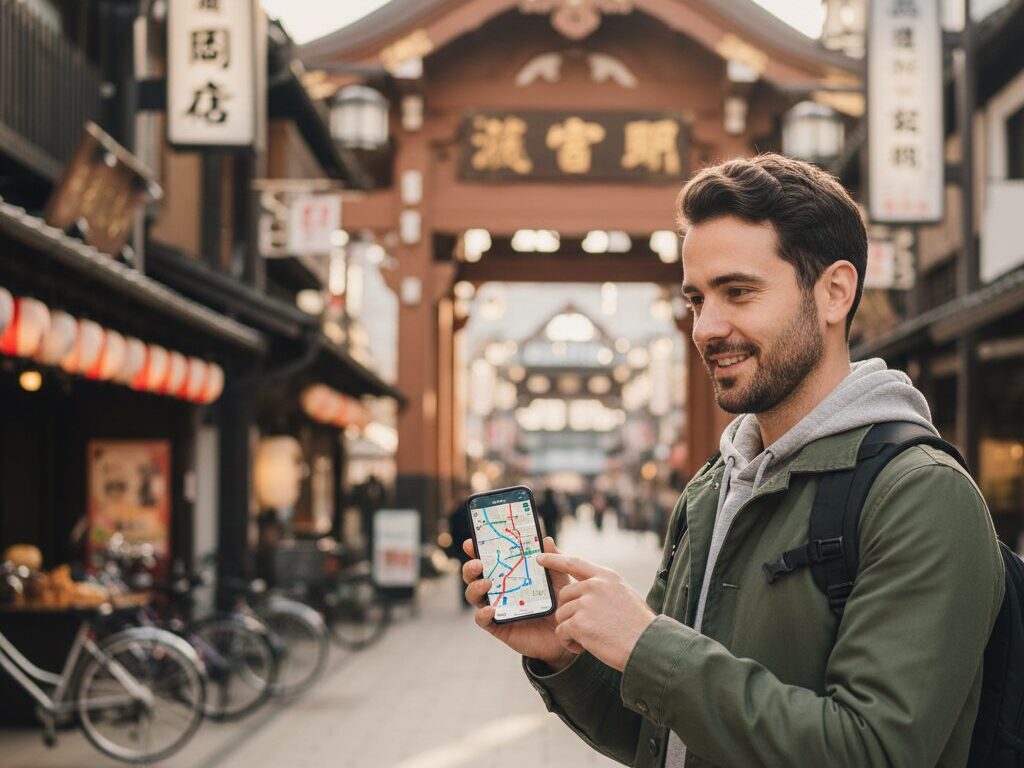
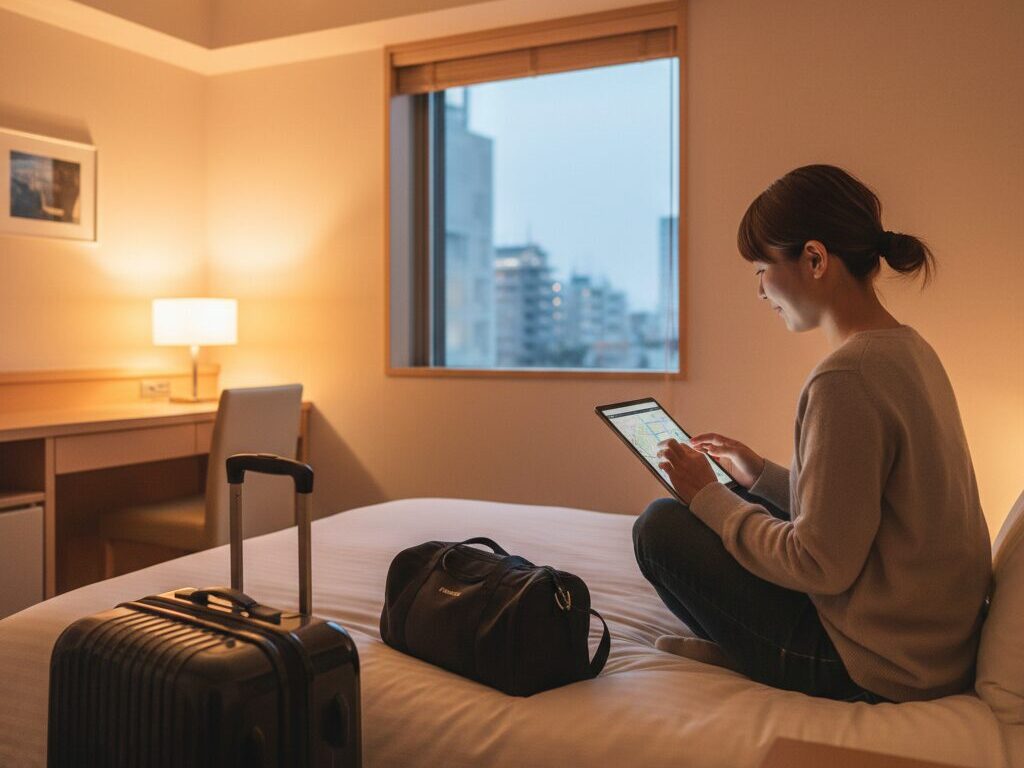
Planning your first trip to Japan and worried about staying online? You are not alone. From navigating train networks to ordering at restaurants and translating signs, reliable internet access makes Japan far easier and more enjoyable to explore.
This practical guide explains the main ways visitors can get Wi‑Fi in Japan, the pros and cons of each option, and how to choose the best setup for your style of travel.
Do You Really Need Wi‑Fi in Japan?
Japan is famously safe, efficient, and welcoming, but it can also be confusing for first-time travelers. Street signs may be in Japanese only, smaller train stations can feel like a maze, and cashless payments sometimes require specific apps. Having steady Wi‑Fi or mobile data helps you:
- Use maps for walking directions and complex train routes
- Translate menus, signs, and conversations on the spot
- Check real-time train delays and platform changes
- Book same-day tickets for attractions, museums, and restaurants
- Stay in touch with family, friends, or your tour group
While many hotels and cafes offer Wi‑Fi, relying on free networks alone can leave you stranded without a connection at critical moments, especially in transit or in more rural areas. For most international visitors, arranging some form of mobile internet before or upon arrival is well worth the effort.
Overview of Wi‑Fi Options in Japan
There are four main ways travelers stay connected in Japan:
- eSIM or physical SIM card for your phone
- Pocket Wi‑Fi (portable Wi‑Fi router)
- Free public Wi‑Fi hotspots
- Hotel, ryokan, and Airbnb Wi‑Fi
The best choice depends on your device, budget, and how often you want to be online. Many travelers combine options, for example using a pocket Wi‑Fi outside and hotel Wi‑Fi at night.
Option 1: Using an eSIM or Japanese SIM Card
If your smartphone is unlocked, one of the easiest ways to get connected is to use a Japanese data plan through an eSIM or a physical SIM card.
eSIM for Japan
An eSIM is a digital SIM that you download directly to your phone. There is no plastic card to insert, and you can usually keep your home number active for calls and texts while using Japanese data.
Advantages of eSIM:
- Set it up before departure so you have data as soon as the plane lands
- No hardware to collect or return at the airport
- Fast activation via QR code, often within minutes
- Keep your physical SIM in the phone for two numbers (dual-SIM)
Things to check:
- Confirm your phone is unlocked and supports eSIM
- Choose a plan that matches your trip length and typical data usage
- Check whether the plan includes hotspot tethering if you want to share data with a laptop or tablet
Physical SIM Cards in Japan
Physical data SIMs can be bought at major airports, electronics stores, and some convenience stores. They are usually data-only, meaning they do not include local voice calls, but most travelers rely on apps like WhatsApp, LINE, or FaceTime anyway.
Pros of physical SIM:
- Works with many older phones that do not support eSIM
- Instant activation at airport counters or self-service machines
- Clear choices for 7, 14, or 30 days, often with fixed data limits
Cons to consider:
- You may lose access to your home number unless your phone supports dual-SIM
- You have to remove and safely store your regular SIM
- Instructions and support kiosks may be crowded at peak arrival times
Best for: solo travelers with an unlocked smartphone who want a simple, personal connection without extra devices in their bag.
Option 2: Renting a Pocket Wi‑Fi Router
A pocket Wi‑Fi (also called a mobile router) is a small device that creates a private Wi‑Fi network using Japan’s mobile data. You connect your phone, laptop, or tablet to it just as you would connect to a home router.
Why Pocket Wi‑Fi Is Popular
Pocket Wi‑Fi rental is extremely popular with families, groups of friends, and travelers carrying multiple devices. One device can usually connect 5–10 devices at once, making it cost-effective for shared use.
Advantages:
- Share connection across multiple phones, tablets, and laptops
- Flat-rate plans with generous or “unlimited” data options
- No need to change SIMs or adjust phone settings
- Works with locked phones from your home country (you connect by Wi‑Fi)
Disadvantages:
- You must remember to charge the router daily, just like a second phone
- It is another item to carry and keep track of
- Rental fees can add up for solo travelers
- Late return or loss incurs extra charges
Where and How to Rent Pocket Wi‑Fi
Major Japanese airports offer several rental counters in the arrivals area. You can also book online in advance, then pick up the device at the airport, a hotel, or have it delivered to a residential address.
The rental process is straightforward:
- Choose a data plan and rental period that covers your trip
- Provide your passport and flight or hotel details
- Collect the device kit (router, charging cable, sometimes a power bank)
- Turn on the router, find its network name (SSID) on your phone, and enter the password printed on the device or card
- Return the device at airport drop-off boxes, counters, or by mail, depending on the rental company
Best for: couples, families, and small groups who want reliable connectivity for multiple devices without changing phone settings.
Option 3: Free Public Wi‑Fi in Japan
Japan has been steadily expanding free Wi‑Fi coverage, especially in areas frequented by tourists. While you should not rely on public networks as your only connection, they are a helpful backup.
Where You Can Find Free Wi‑Fi
Look for Wi‑Fi signs in:
- Airports – Major airports like Narita, Haneda, and Kansai offer free Wi‑Fi in terminals
- Train and subway stations – Many JR and subway stations in large cities have hotspot areas
- Cafes and fast-food chains – Big coffee shops and international chains often offer customer Wi‑Fi
- Convenience stores – Certain convenience store brands offer free Wi‑Fi, especially in urban centers
- Tourist information centers and major attractions – Look for signs advertising free networks for visitors
Connection steps often involve selecting the network, accepting terms of use, and sometimes entering your email address or logging in through a simple web page. Many networks limit sessions (for example, 30–60 minutes per login), but you can usually reconnect.
Limitations of Free Wi‑Fi
Public Wi‑Fi in Japan is convenient, but it has clear drawbacks:
- Patchy coverage – Underground areas, trains in motion, or quiet neighborhoods may have no free hotspots
- Slow speeds – At busy times, speed can drop sharply
- Security risks – Public networks are not ideal for sensitive activities like online banking
- Language barriers – Login screens sometimes appear only in Japanese, though this is improving
Best for: travelers on a strict budget who mainly need occasional access for maps or messaging, and those who combine it with hotel Wi‑Fi.
Option 4: Hotel and Accommodation Wi‑Fi
Most hotels in Japanese cities offer free Wi‑Fi in guest rooms and lobbies. Even many traditional inns (ryokan) now provide Wi‑Fi, although countryside properties may have weaker signals.
What to expect:
- Business hotels and chain hotels – Usually offer reliable, free Wi‑Fi with decent speeds
- Ryokan – Wi‑Fi may be limited to lobby areas or specific floors; some remote inns still have minimal coverage
- Vacation rentals – Often include a pocket Wi‑Fi during your stay or have in-room routers
While accommodation Wi‑Fi is helpful for planning the next day or making reservations at night, you will still be offline when walking around unless you use another option. For navigation-heavy days or complex train transfers, this can be stressful.
How to Choose the Best Wi‑Fi Option for Your Trip
To decide which setup works for you, consider these questions:
1. How Many People and Devices?
Solo travelers with one phone usually do well with an eSIM or local SIM. A group with several phones and laptops may find a pocket Wi‑Fi cheaper and more convenient than multiple SIMs.
2. How Long Will You Stay?
- Short visits (3–7 days): Pocket Wi‑Fi or a short-term SIM data plan is usually easiest
- One to three weeks: Fixed-period eSIM or SIM plans become cost-effective
- Longer stays: Look for long-duration plans or consider combining eSIM with occasional public Wi‑Fi
3. Where Will You Travel?
In major cities like Tokyo, Osaka, and Kyoto, coverage is excellent. Popular tourist regions such as Hakone or Hiroshima are also well served. In rural areas, mountains, or far-flung islands, coverage can thin out. If you plan to hike, ski, or visit secluded onsen towns, a high-quality mobile data plan from a major carrier network is safer than relying on public hotspots.
4. What Will You Use the Internet For?
- Light use: Maps, messaging, and casual browsing – 2–5 GB for a week is often enough if you avoid heavy video streaming
- Moderate use: Social media, uploading photos, streaming some music – consider 10–20 GB for longer trips
- Heavy use: Work, frequent video calls, or HD streaming – a pocket Wi‑Fi with a generous or “unlimited” plan may be best
Practical Tips for Staying Connected in Japan
1. Prepare Before You Fly
Check that your phone is unlocked and supports the necessary mobile bands for Japan. If you choose an eSIM, install the profile at home where you have stable Wi‑Fi. For pocket Wi‑Fi, booking online in advance often gives more plan choices and clearer English-language support.
2. Download Key Apps
Reliable internet is most useful when paired with the right tools. Before arriving, consider installing:
- A train or transit navigation app that covers Japanese rail networks
- A translation app with offline language packs for emergency use
- A map app with areas you plan to visit downloaded for offline navigation
- Your preferred messaging and calling apps for staying in touch
3. Carry a Power Bank
Constant data use, navigation, photography, and translation can drain your battery quickly, especially on long sightseeing days. A compact power bank ensures your phone and any pocket Wi‑Fi device stay powered through train rides and evening exploration.
4. Practice Good Wi‑Fi Etiquette
In Japan, consideration for others is part of daily life, and that extends to shared networks. On public or hotel Wi‑Fi:
- Avoid large downloads or HD streaming at peak times
- Disconnect devices you are not using so others can enjoy better speeds
- Follow any posted rules in cafes or accommodations
5. Stay Safe on Public Networks
When using free Wi‑Fi in airports, stations, or cafes, take basic precautions:
- Avoid online banking or entering sensitive passwords
- Use apps rather than browser logins when possible
- Log out of websites and disconnect from the network when you leave
Cultural Context: Why Connectivity Matters in Japan
Japan’s reputation for high-tech innovation often leads visitors to assume that free, fast Wi‑Fi is available everywhere. The reality is more nuanced. While the country has advanced mobile networks and efficient infrastructure, it also values privacy, security, and stability, which historically made providers cautious about open networks.
At the same time, smartphones have become an essential part of daily life for residents, especially through local apps. For instance, many Japanese people rely on messaging apps rather than SMS, mobile payment apps at convenience stores, and transit apps for detailed journey planning. As a visitor, having your own reliable connection allows you to navigate this digital ecosystem more naturally, from scanning QR codes in restaurants to checking live event information or weather alerts.
Summary: The Best Wi‑Fi Strategy for First‑Time Visitors
For most first-time travelers to Japan, the most convenient approach is:
- Primary connection: An eSIM or physical data SIM card if you are traveling solo with an unlocked phone, or a pocket Wi‑Fi if you are in a group or have multiple devices
- Backup: Use free Wi‑Fi in airports, train stations, cafes, and attractions when available
- Base: Rely on hotel or ryokan Wi‑Fi in the evening for planning, backups, and larger downloads
With a little preparation, staying connected in Japan is straightforward. Once your Wi‑Fi setup is in place, you can focus on what truly matters: savoring bowls of ramen, wandering through tranquil temples, and experiencing the blend of tradition and innovation that makes Japan so unforgettable.
Explore Other Transportation
Google Maps Use

Luggage Delivery Services